WooCommerce
Your customer-facing store
Keep control of your WordPress storefront, product presentation, checkout, and customer experience.
Official DSers integration
Connect your WordPress store to DSers and manage product publishing, incoming orders, fulfillment tasks, and tracking updates through one organized workflow. Keep WooCommerce flexible while reducing repeated handoffs between your store, supplier orders, and shipment information.

The DSers WooCommerce dropshipping integration connects your store to the workspace where you prepare products and manage supplier orders.
WooCommerce
Keep control of your WordPress storefront, product presentation, checkout, and customer experience.
DSers
Prepare listings, receive store orders, organize supplier-order tasks, and send tracking updates back to the store.
Suppliers
Suppliers handle the physical shipment. Their tracking information connects that shipment to your store order.
Without an integration, product details, orders, supplier purchases, and tracking numbers become separate jobs. Connecting WooCommerce to DSers gives each item a clearer path from preparation to fulfillment.
Explore the product, order, tracking, and store tasks supported by the integration.
DSers → WooCommerce
Bring products into the DSers Import List, refine customer-facing information, and push the listing to WooCommerce. Review titles, variants, descriptions, images, and prices before publishing. WooCommerce stores also support image alt text in the DSers image workflow.
Choose the destination store and publish the product or save it as a draft.

Use this integration when operations are becoming fragmented: you rebuild supplier listings by hand, repeatedly check for orders, copy tracking numbers into the store, or manage several storefronts. WooCommerce remains customer-facing while repeatable product and order tasks move into a dedicated workflow.
This is an operations connection, not a replacement for your hosting, WordPress maintenance, store design, marketing, payment gateway, tax setup, or supplier judgment.
Complete the official Website, Authorization, and Connection checkpoints before importing products or synchronizing orders.
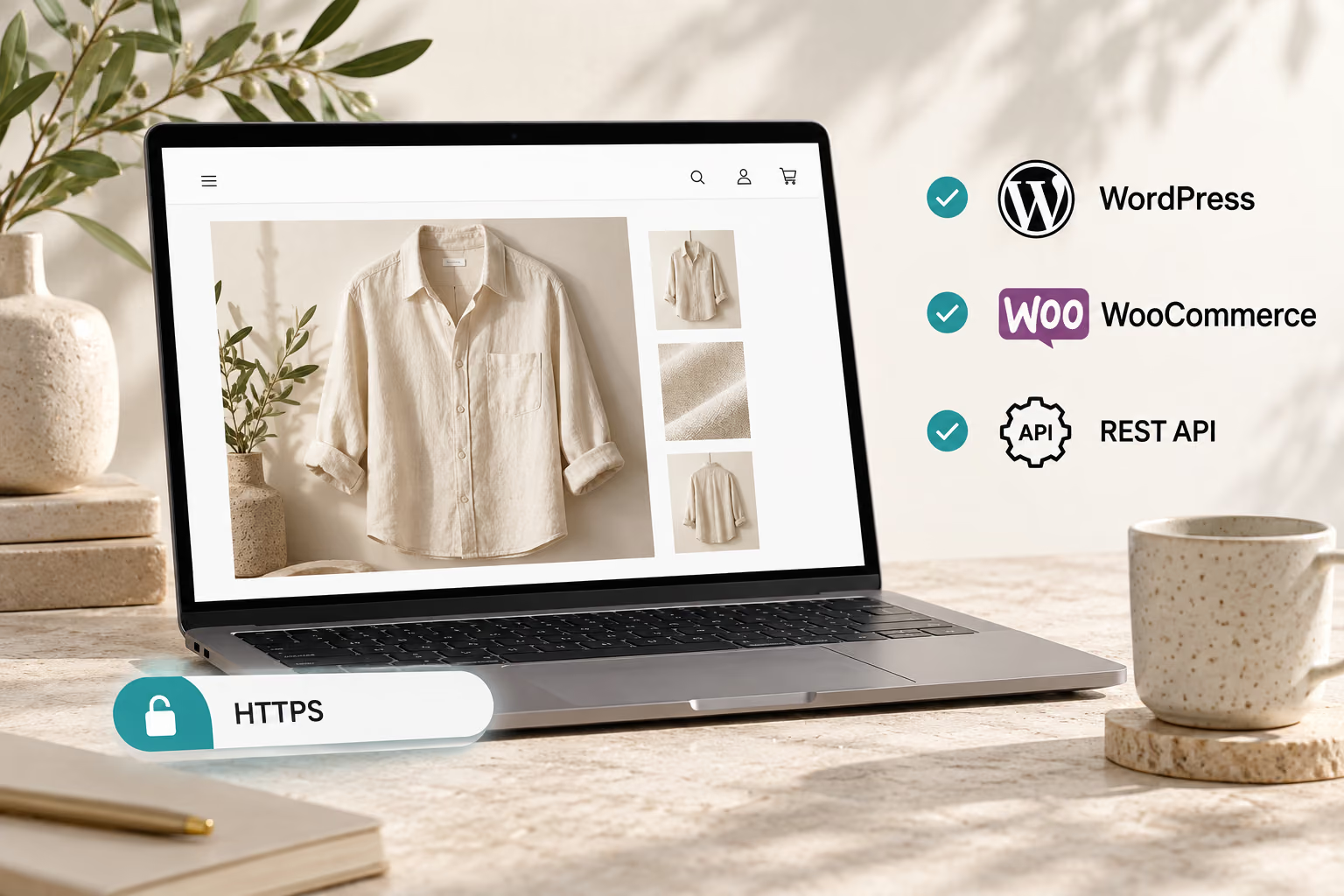
Use a live WordPress site with HTTPS, WooCommerce 4.0 or later, “Post name” permalinks, and REST API access.
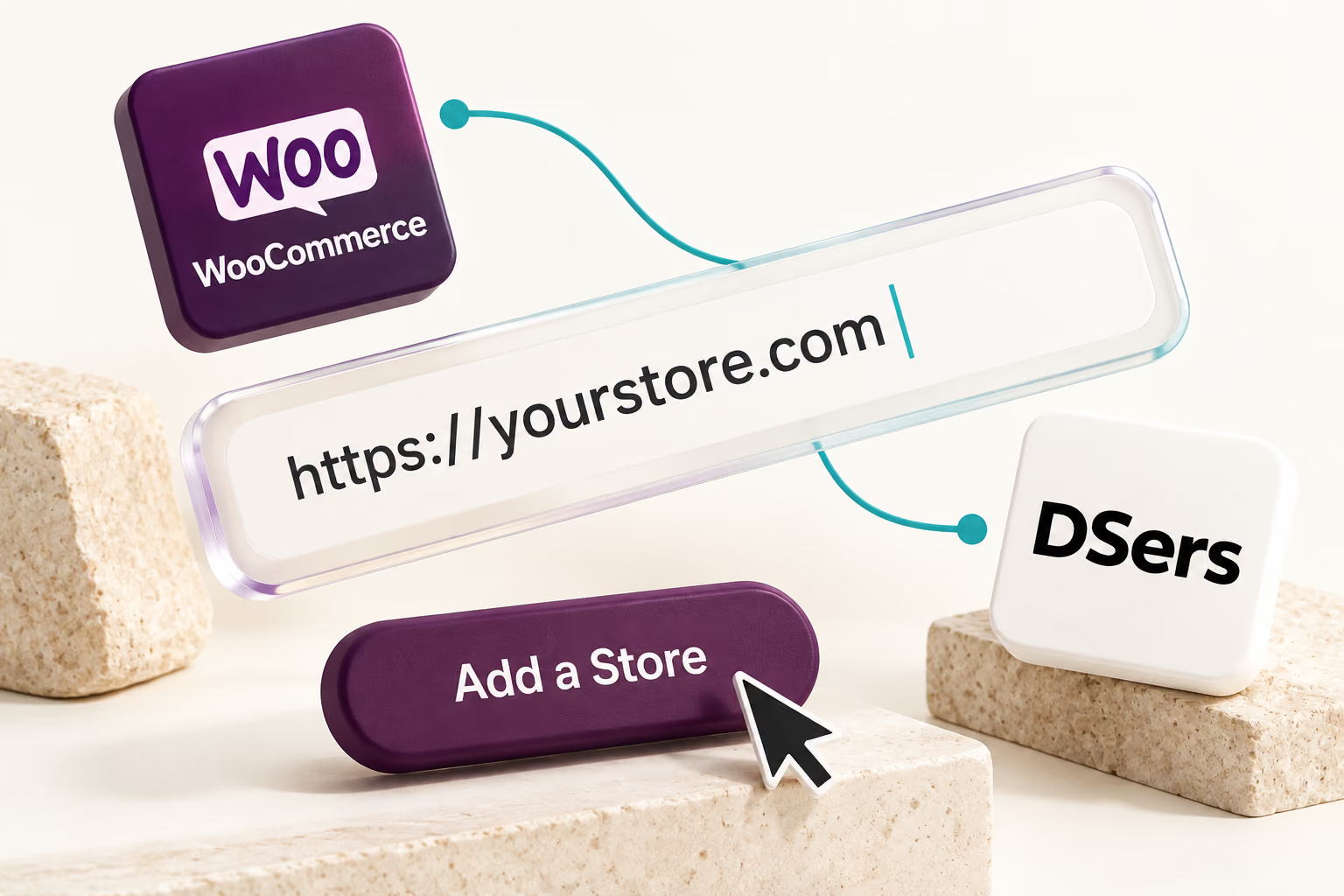
Choose WooCommerce on the platform selection screen, enter the full store domain, and select Add a Store.
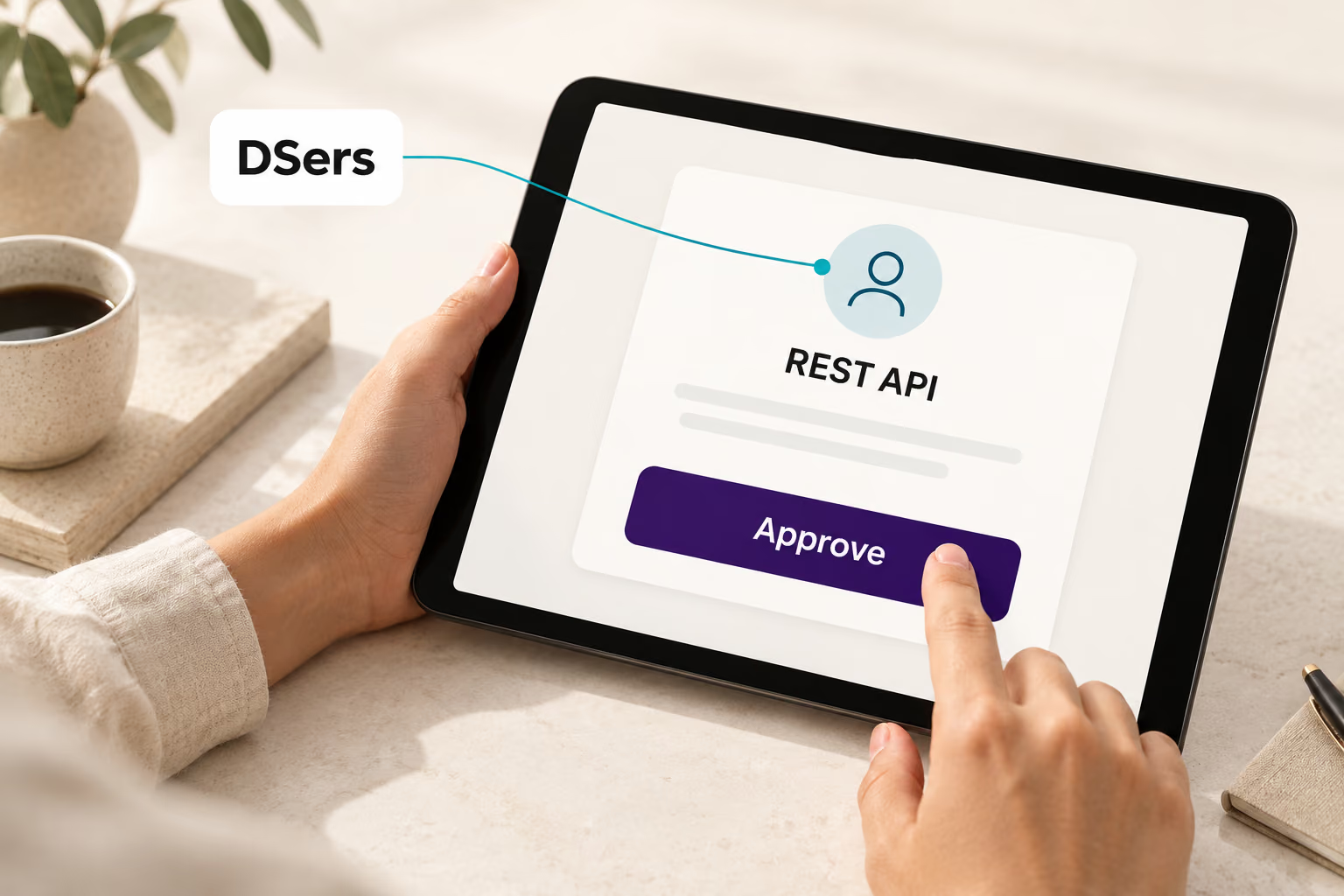
Sign in as a WordPress administrator, approve REST API creation, and confirm your current DSers account.
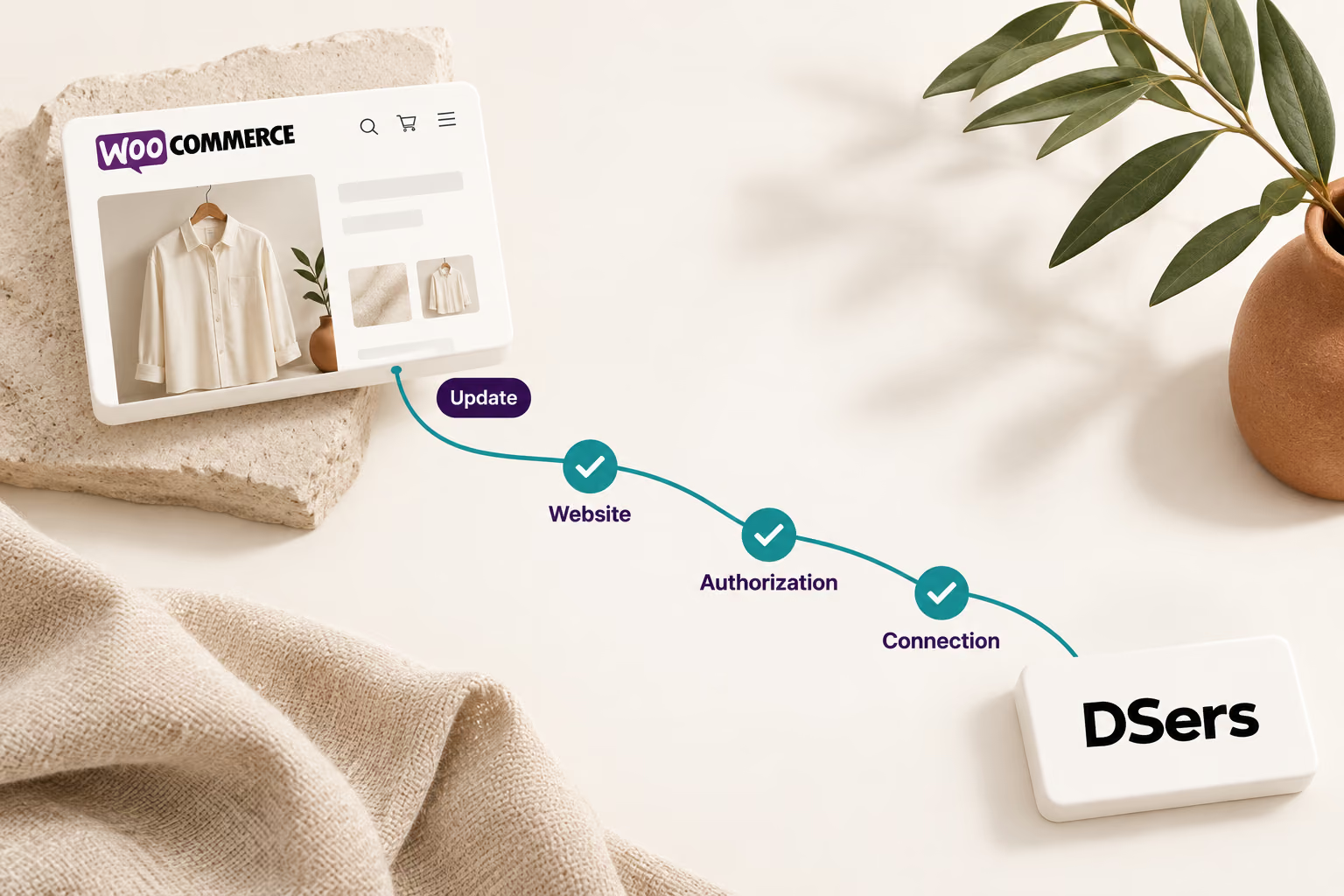
Select Update to establish the webhook connection. Confirm that the Website, Authorization, and Connection checkpoints are complete before importing products or synchronizing orders.
Need help connecting? View the WooCommerce setup guide.
Source smarter. Fulfill faster.
Connect your storefront so products, orders, supplier tasks, and shipment updates follow a clearer operational path.
It connects WooCommerce to DSers for product publishing, order synchronization, fulfillment management, and tracking updates. WooCommerce remains customer-facing while DSers provides the operational workspace.
You need a live WordPress site using HTTPS, WooCommerce 4.0 or later, “Post name” permalinks, and an accessible REST API. Security or firewall settings must allow authorization and webhooks.
No. DSers can synchronize store orders and return tracking and fulfillment updates, but sellers still need to review order details, resolve mapping or address issues, place supplier orders, complete required supplier payments, and handle exceptions.
Yes. DSers supports multiple connected stores, but the total number of stores and different sales-channel platforms depends on the selected DSers plan. Additional stores can be added through the Store Switcher or Application Management.
No. The WooCommerce shipping notification plugin is optional. The core store connection uses website verification, REST API authorization, and webhook setup; notification settings can be configured separately after the store is connected.
No. DSers supports multiple sourcing options across its broader workflow, including AliExpress, Alibaba.com, 1688, and verified agent support. Availability and automation steps vary by sourcing channel, so sellers should review the applicable workflow before processing orders.